

Datasmith DirectLink is a feature found in many Datasmith Exporter plugins that can incrementally update the viewport in an Unreal Engine-based application, such as Twinmotion, with the push of a button.
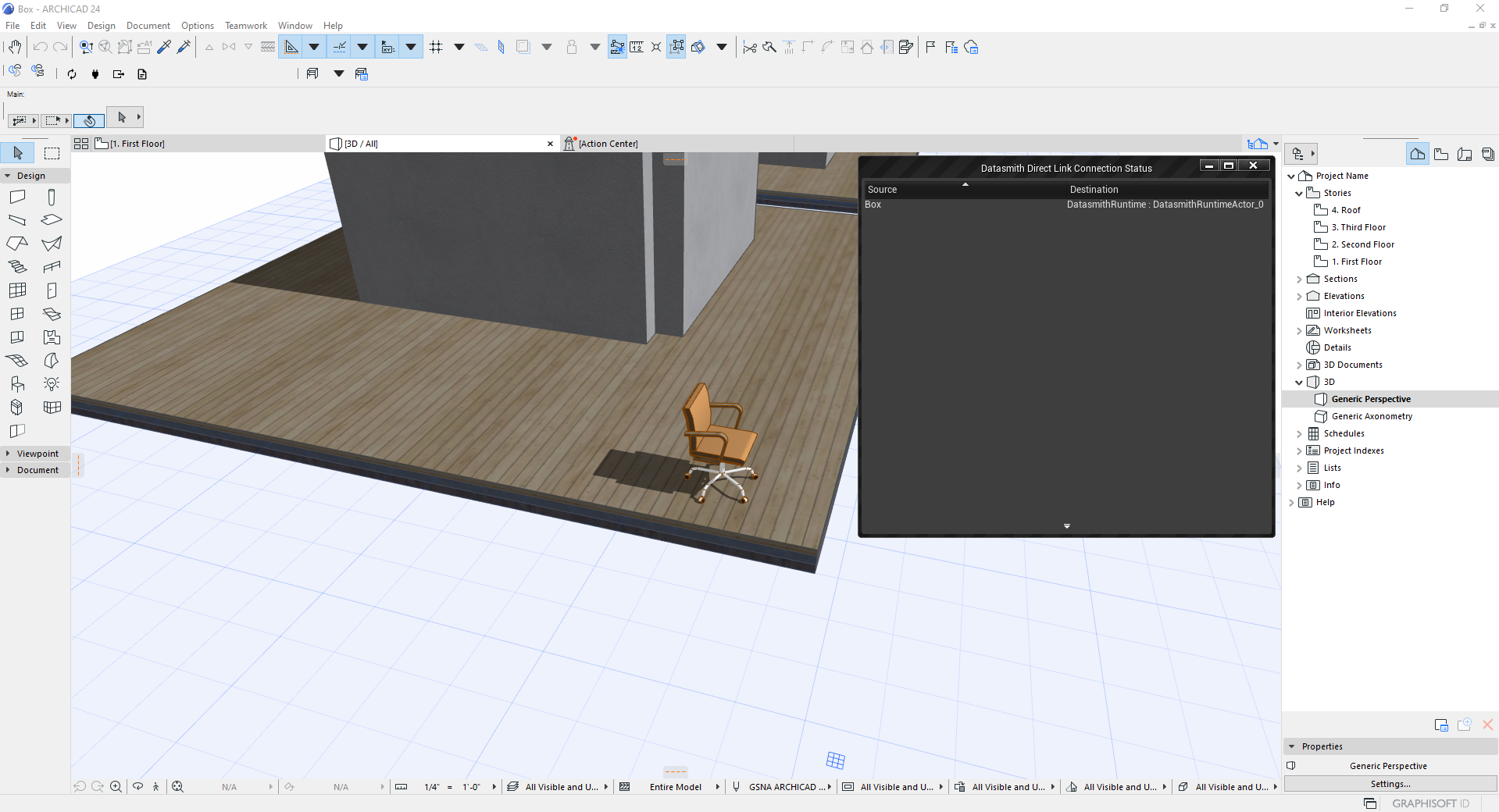 |
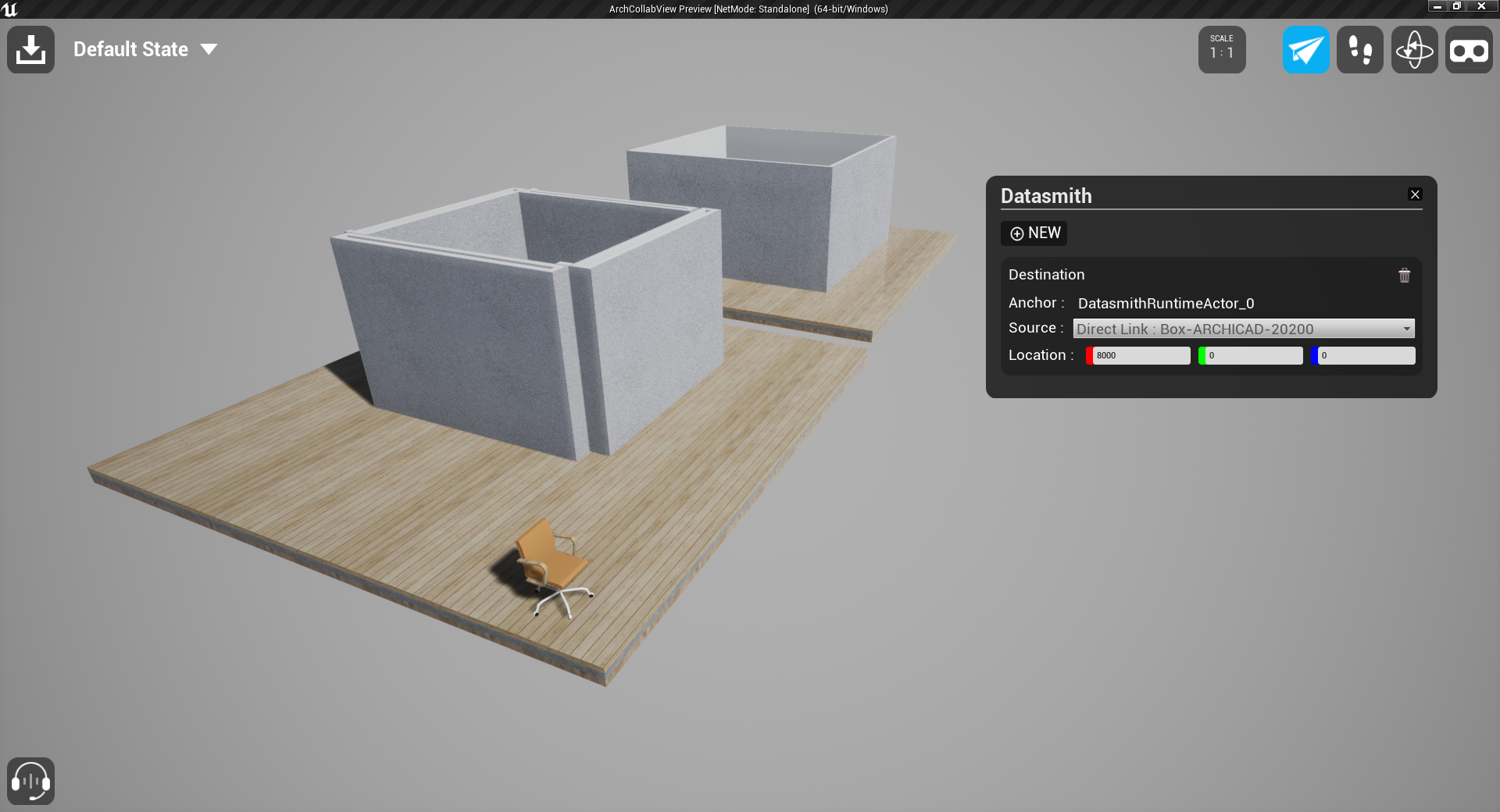 |
| Source Application | Destination Application |
With the DirectLink workflow, you can set up a Datasmith DirectLink between one or more source applications and multiple destinations such as an Unreal Engine-based application or Twinmotion.
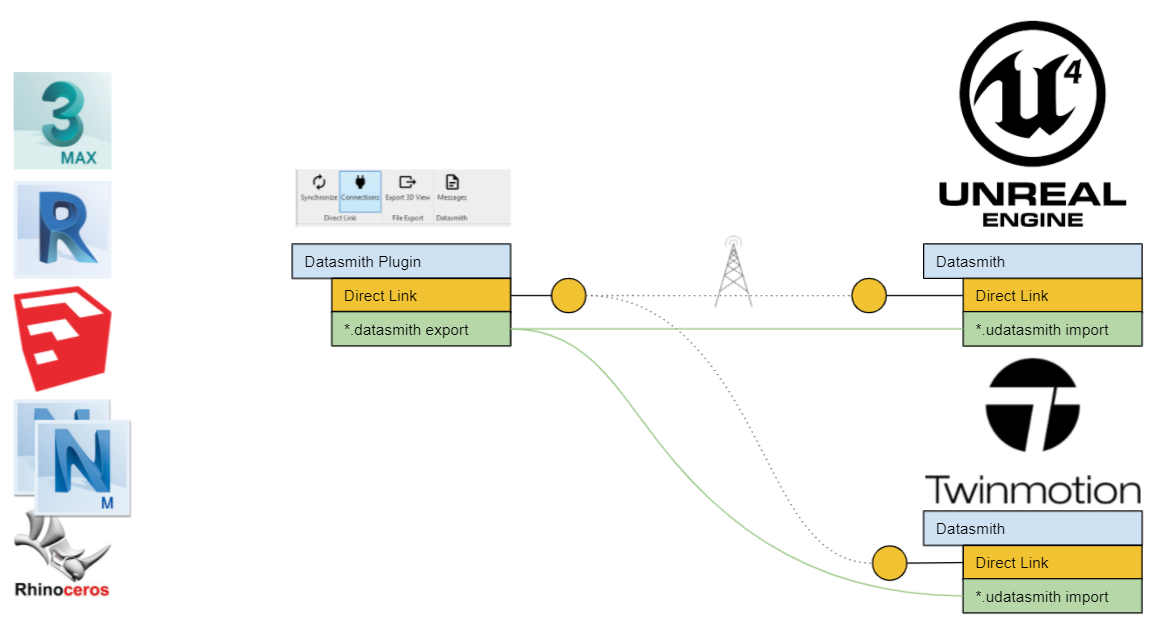
Datasmith DirectLink allows multiple Source applications to connect to one or more Destinations.
This link updates your Unreal Engine Level or Twinmotion model, removing the need to re-export a *.udatasmith file from your source every time you make a change. This makes it easier to update and visualize incremental changes to your 3D scene in near real time.
Setting up a DirectLink Connection
Getting started with the Datasmith DirectLink workflow begins with creating the connection between your 3D application and your Unreal Engine-based application.
-
Download and install the appropriate Datasmith Exporter plugin for your application. You can download the appropriate plugin here. For more information on using the Datasmith Exporter plugin with your application, see Datasmith Software Interop Guides.
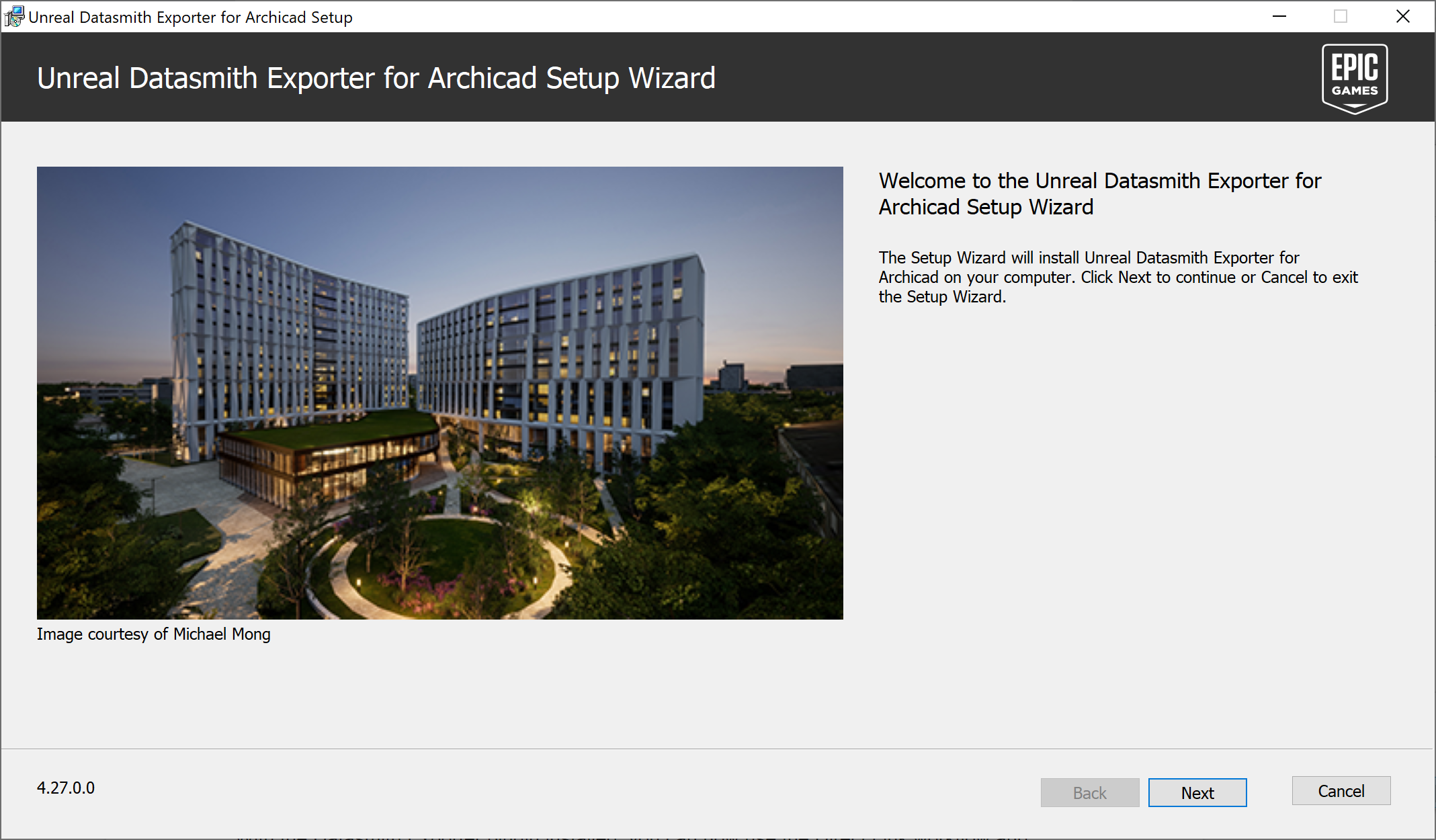
Installing the Datasmith Exporter plugin for Archicad.
- Once you have installed the Datasmith Exporter plugin for your 3D application, check to ensure the Datasmith features are enabled. This will depend on your application.
-
Open your destination application and select your 3D application as the Source.
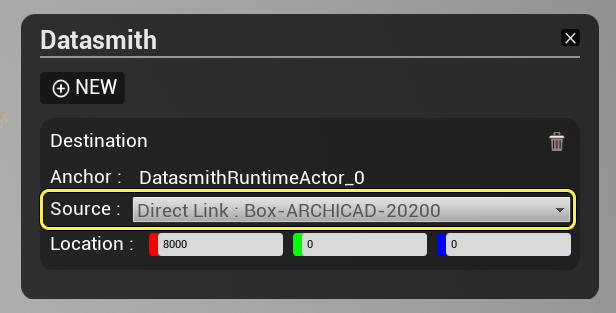
Datasmith options panel in the Collab Viewer template.
For example, when running a local session in a project setup with the Collab Viewer template, press and hold the spacebar and select the Datasmith options to add one or more DirectLink sources to the Level. For more information on using the Collab Viewer template, see Collab Viewer Template Quick Start.
-
Back in your source application, sync your DirectLink connection by clicking the Synchronize with DirectLink button.

Sync your changes between applications by clicking the Synchronize with DirectLink button.
End Result
With the DirectLink connection established, you are now able to update your Unreal Engine or Twinmotion models with the push of a button.
