

What is Unreal Stage?
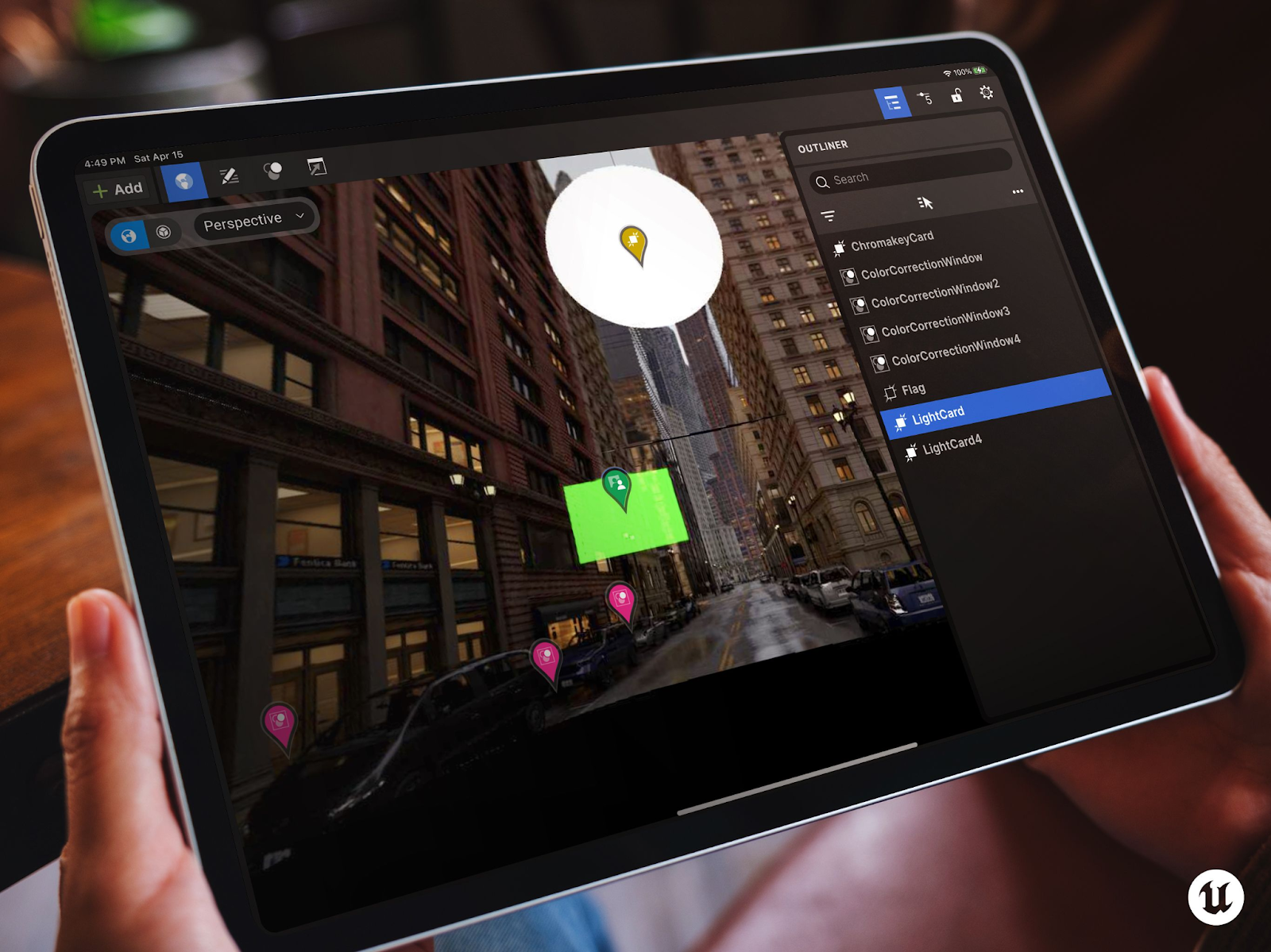
Unreal Stage is an Epic-created app that allows users to utilize a tablet as a wireless control panel for certain features in a physical space. This is particularly useful when these features need to be viewed while adjustments are being made, such as lighting on a film set, but computers are kept away from the stage to make room for physical equipment and set pieces.
Once set up, the simplified interface of Unreal Stage allows anyone to manage these variables autonomously and efficiently, even if they are unfamiliar with Unreal Engine.
This tutorial is most effective if you have experience with nDisplay and some knowledge of Unreal Engine's remote control features. Unreal Stage can be used as the mobile version of the In-Camera VFX feature, which provides an in-Engine desktop version of these controls. A tablet is required for Unreal Stage.
Install Unreal Stage
Unreal Stage has been specifically designed for use on tablets. It is not intended for other mobile devices, like cell phones. The app is available to download directly through the Apple App Store and an iPad is recommended, though an Android version is available through GitHub.
iOS App
Install the Unreal Stage App from the Apple App Store for your iPad:
Android Support
Unreal Stage is a Flutter-based app that can be deployed and run on Android devices if desired. The source code for the app is available on Github:
Users must be logged in and have their Github account linked to an Epic Games account to access Unreal Engine source code on GitHub. Click here for instructions on linking your accounts.
Unreal Project Setup
In your Unreal project, ensure the following plugins (File > Plugins) are enabled:
- Epic Stage App
- nDisplay
- Remote Control API
- Remote Control Web Interface
Alternatively, enabling the ICVFX Plugin will also ensure all necessary plugins are enabled. Restart Unreal Engine once all plugins have been enabled.
After your Unreal level has reopened, ensure there is a nDisplay Root Actor in the scene. This is what the app will connect with and control.