Opacity functions exist to speed up handling of complex opacity calculations.
Opacity Functions
The following is a list of all the functions underneath the Opacity category.
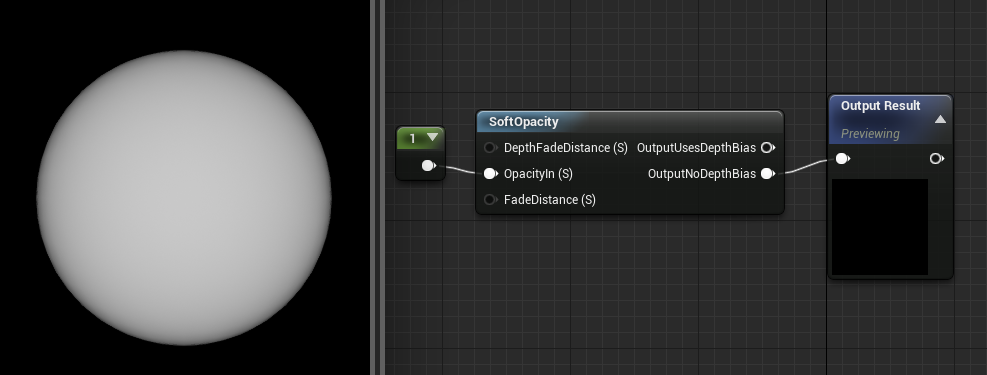
SoftOpacity
The SoftOpacity function takes in an Opacity value and then runs a variety of calculations on it to give it a softer feel. It applies a Fresnel effect, and depth-based alpha, and pixel depth. The end result causes the object to fade away as the camera approaches it.
| Item | Description |
|---|---|
| Inputs | |
| DepthFadeDistance (Scalar) | The depth at which objects have completely faded away. Only viable if using the OutputUsesDepthBias output. |
| OpacityIn (Scalar) | This is the incoming opacity value. |
| FadeDistance (Scalar) | How close you should get to the surface before it starts fading out. |
| Outputs | |
| OutputUsesDepthBias | This output causes the object to fade completely away to complete transparency by the time it reaches the distance set in the DepthFadeDistance input. |
| OutputNoDepthBias | This output causes the object to fade completely away as it reaches the camera, meaning there is no offset. This output is 12 instructions less expensive than OutputUsesDepthBias. |