
This page is not available in the language you have chosen. It will be displayed in English by default. If you would like to view it in a different language, you can try selecting another language.
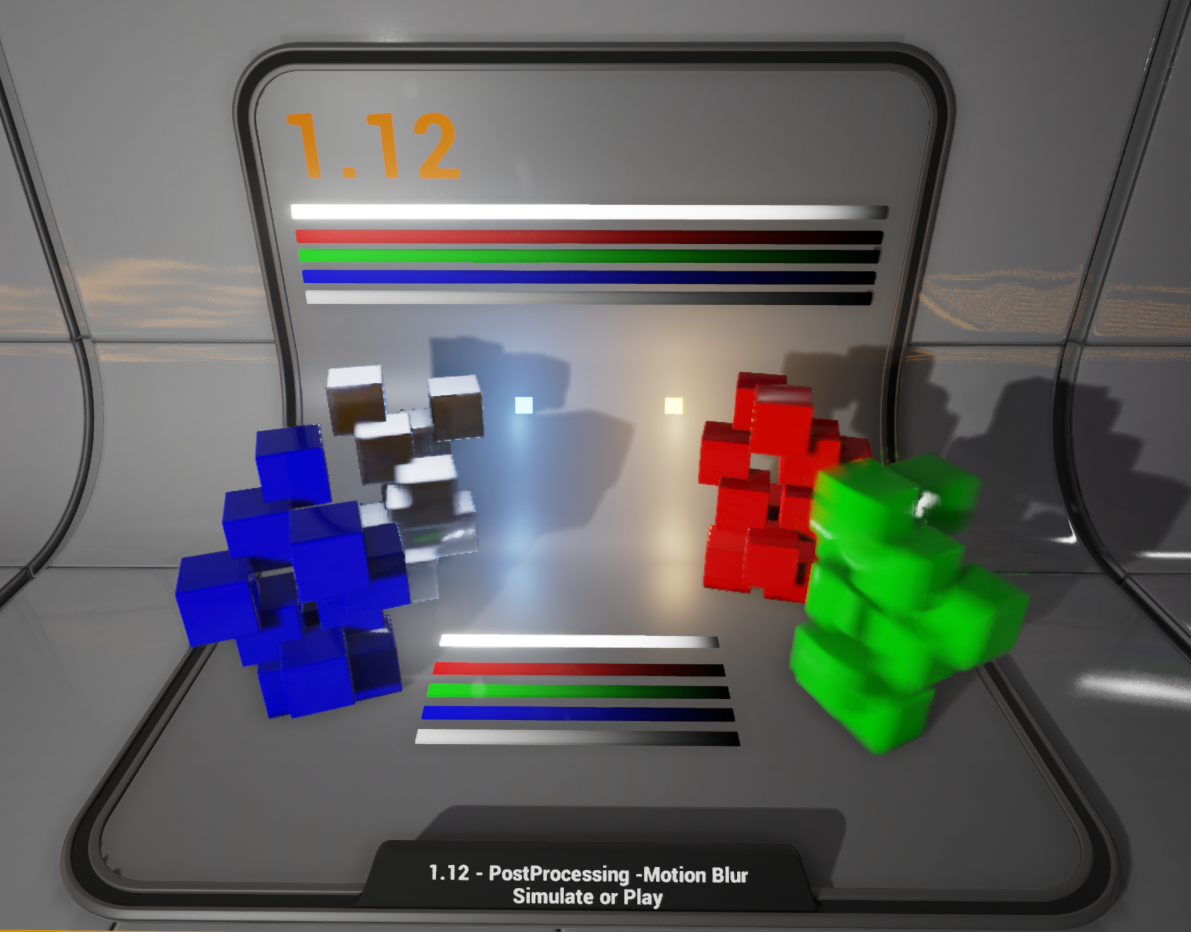
Motion blur blurs objects based on its motion. The system works by way of a full screen velocity map that is created at a reduced resolution and objects are blurred based on their contribution to this map. The image below shows a visualization of the velocity map available in-editor or while your game is running.
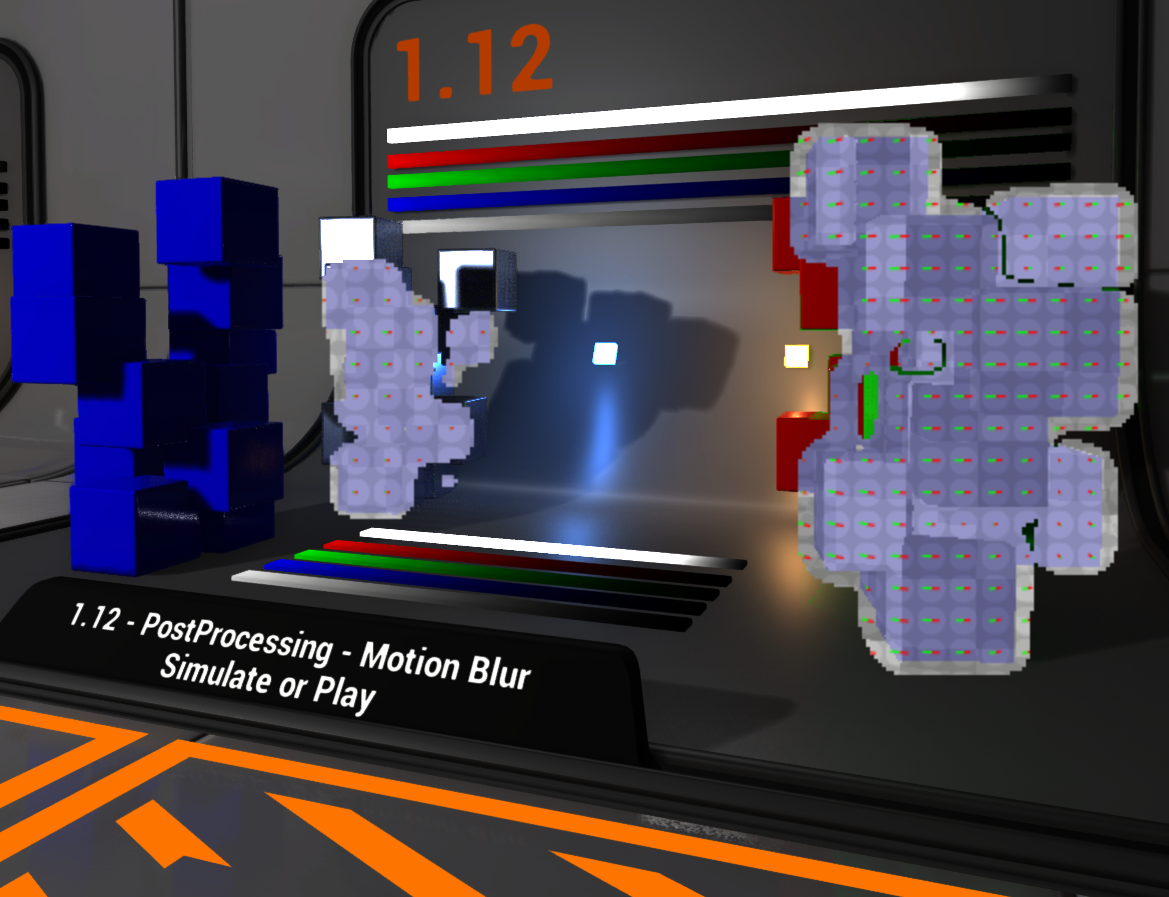
This visualization mode is enabled with the ShowFlag.VisualizeMotionBlur 1 console command, or by way of the Motion Blur Visualizer found in the viewport under Show > Visualize > Motion Blur.