
This page is not available in the language you have chosen. It will be displayed in English by default. If you would like to view it in a different language, you can try selecting another language.
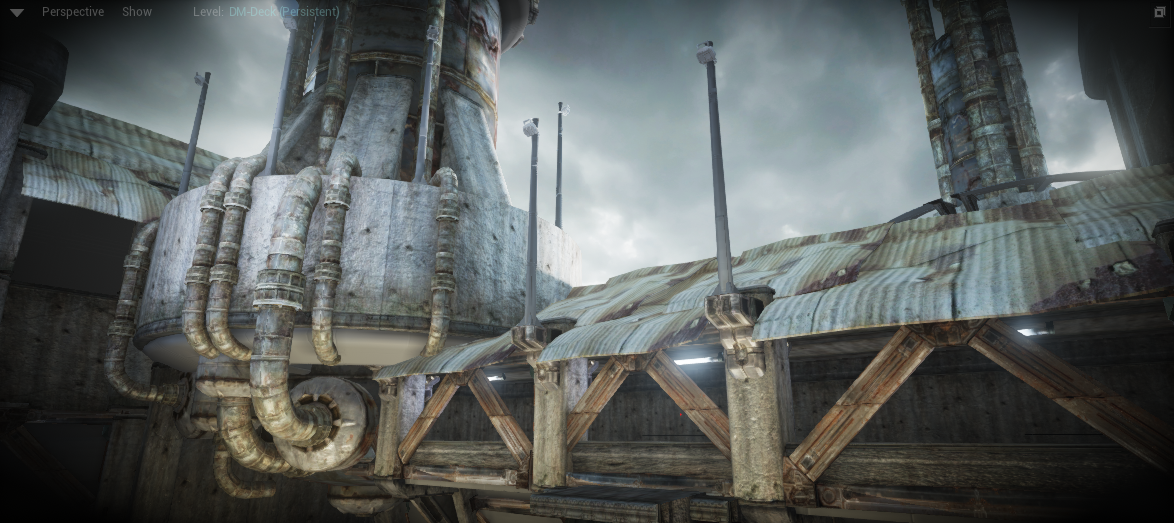
Vignette is an effect that simulates the darkening in real-world camera lenses. High quality lens try to compensate for this effect. The effect is mostly noticeable near the edges of the image.
Vignette settings can be located under Scene Color in the Post Process Settings.
| Property | Description |
|---|---|
| Vignette Intensity | Allows for darkening of the screen corners. Does not affect bloom (performance reasons but possible to change). Possible uses: simulate camera imperfections. 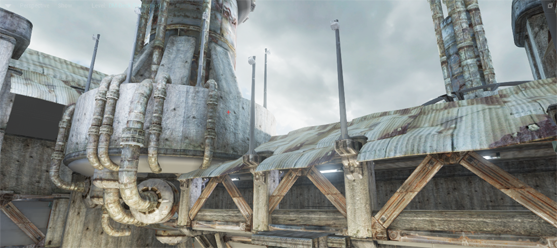 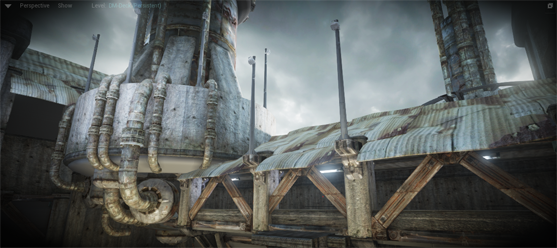 |