
This page is not available in the language you have chosen. It will be displayed in English by default. If you would like to view it in a different language, you can try selecting another language.
This document goes over how to import cubemaps into Unreal Engine 4.
Importing Cubemaps
To import your Cubemap image, go to the Content Browser and click the Import button. Then locate your file and click Open.
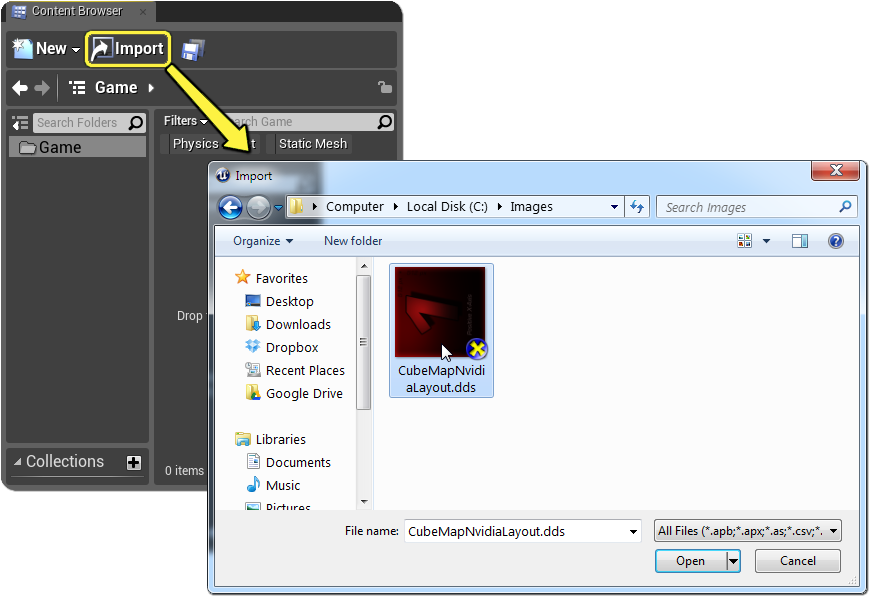
Alternatively, you can click and drag Cubemap images from their location on your PC directly into the Content Browser.