

This page is not available in the language you have chosen. It will be displayed in English by default. If you would like to view it in a different language, you can try selecting another language.
-
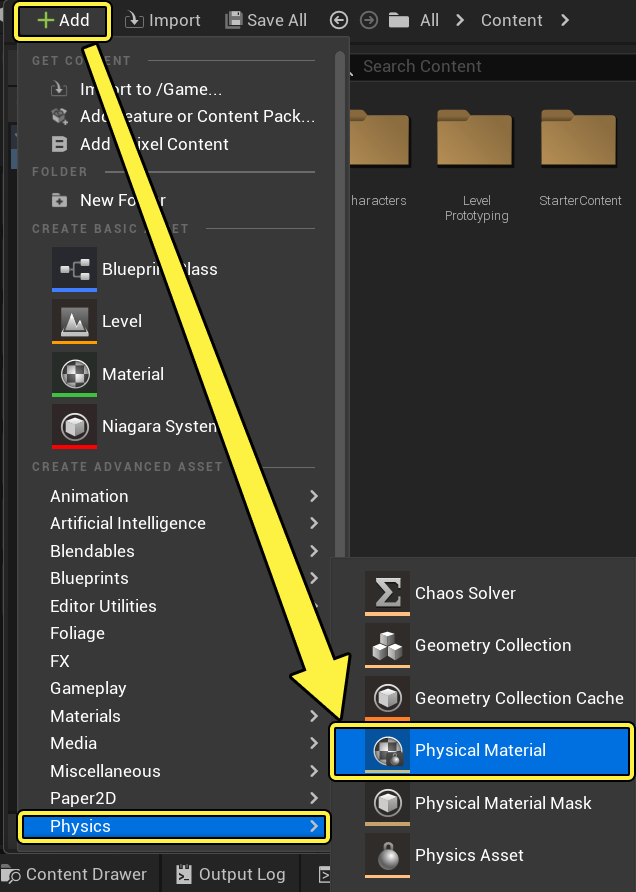
From the Content Drawer, click +Add -> Physics -> Physical Material or right-click in the Content Drawer -> Physics -> Physical Material.
-
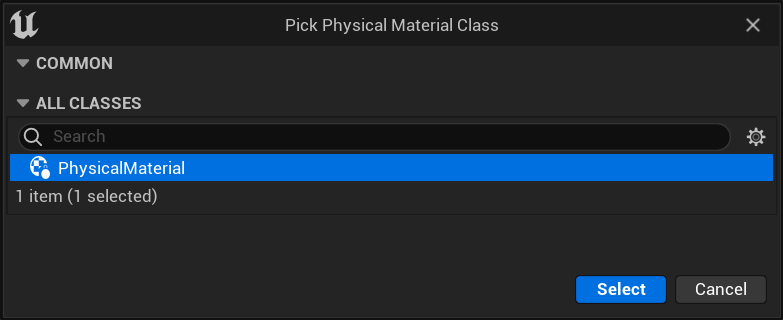
Select the Physical Material Class.
-
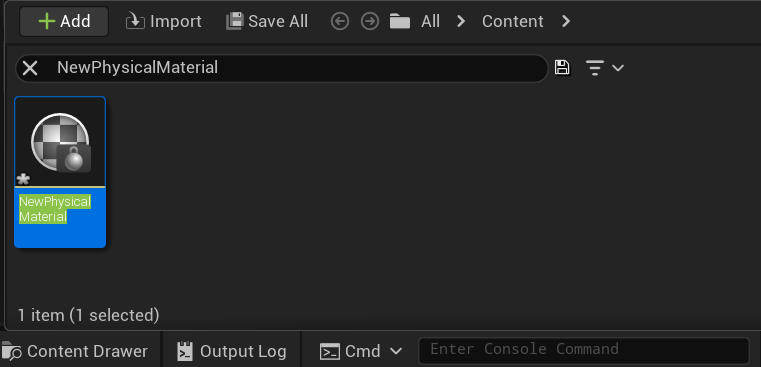
Double-click the new Physical Material to open it.
-
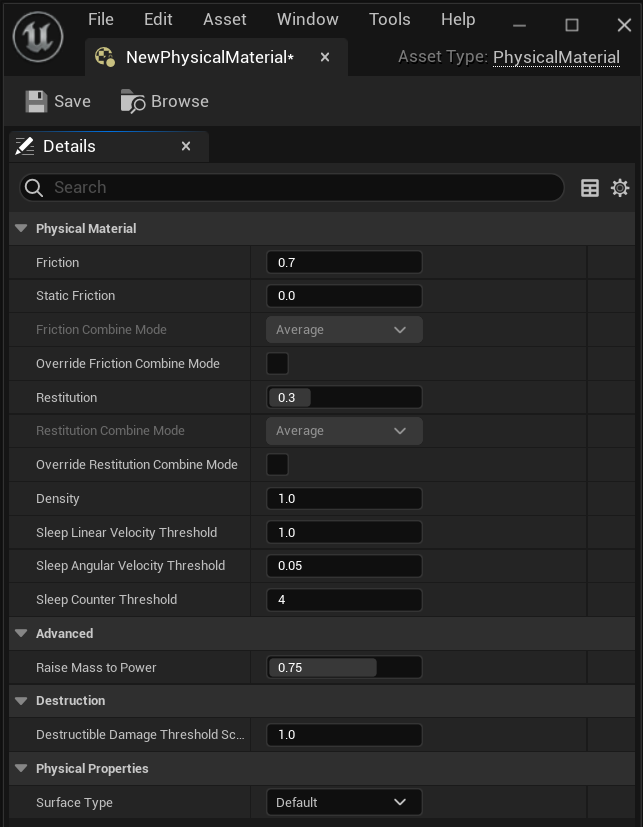
Adjust the Properties.
-
Click Save.
See the Physical Material Reference for information on the properties in the Physical Material.