

This page is not available in the language you have chosen. It will be displayed in English by default. If you would like to view it in a different language, you can try selecting another language.
The following steps detail how to set the Physical Material of all Physics Bodies in a Physics Asset at once.
-
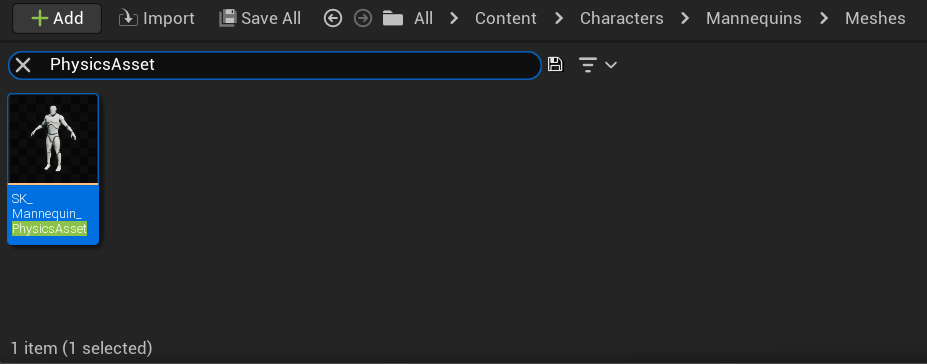
Double-click a Physics Asset in the Content Drawer to open it in the Physics Asset Editor.
-
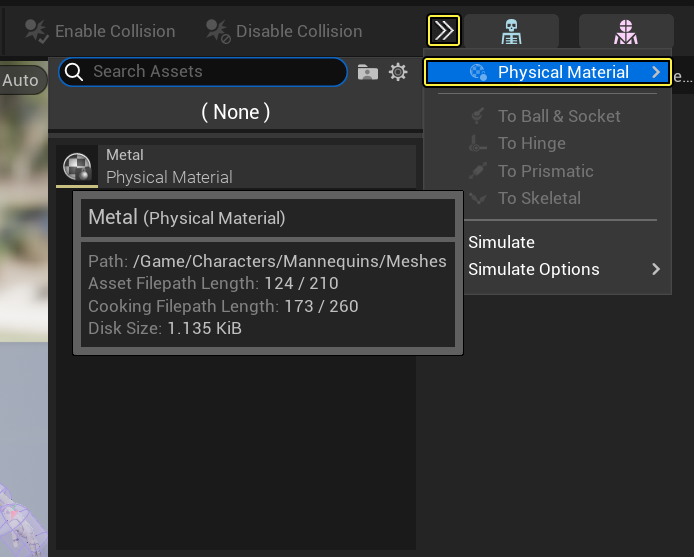
In the main menu of the Physics Asset Editor, click Toolbar to expand the Dropdown menu and select the Physical Material to apply.
-
Click Save.