
Use Fish items to offer aquatic-themed items that can heal, and that can apply status buffs to players during combat gameplay. These items can be placed directly on your island or granted using the devices found in Registering Items.
Fish items include:
-
Small Fry
-
Stink Fish
-
Zero Point Fish
-
Spicy Fish
-
Shield Fish
-
Jellyfish
-
Slurpfish
-
Rift Fish
-
Thermal Fish
Finding and Placing Items
Click image to enlarge.
-
From Create mode, press the Tab key, then click CREATIVE on the top navigation bar to select the CREATIVE inventory screen if not already displayed.
-
Click the CONSUMABLES tab.
-
Scroll to find and select the item, use the Search box to look up the item by name, or check the list of relevant Categories specific to the item you're looking for to filter the view.
-
Click the item, then click either Equip or Add To Chest.
Clicking Equip will add the item to your Equipment bar. When you're back in Create mode, you can view any items you've equipped by pressing the F key. You can select equipped items by scrolling your middle mouse button or by pressing the corresponding number on your keyboard.
From the Chest tab, you can select either Create Chest or Create Llama to store the items in a chest or a llama for use in-game.
Click image to enlarge.
Chests and llamas are a great way to offer item bundles to players. Selecting Add To Chest will add the item to the Chest tab. Each time you click Add To Chest, the item count will increase by one, shown as a yellow box on the Chest tab.
You can add up to fifteen items to the Chest tab. When it’s full, the Add To Chest button will disappear. To add more items, you first have to remove items from the Chest tab.
There are many ways for you to offer these items to players. Use any of the devices under the Registering Items section to offer or require these items during gameplay.
Managing Items
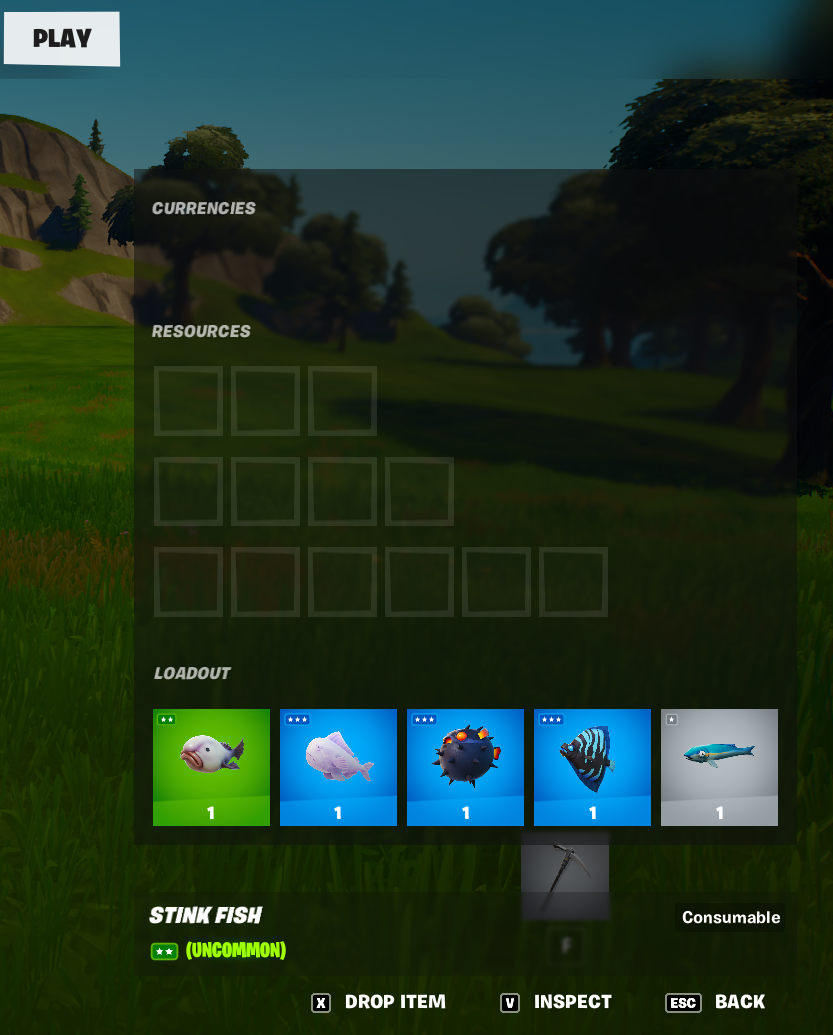
You can manage these items when you are in Play inventory. To access the Play inventory screen, press Tab and click Play in the top navigation bar. Here, you can swap item positions or drop them from your Equipment bar.
You cannot reposition or copy items with the phone tool. To delete an item from your inventory in Create mode, you will have to select either Respawn or Back To Hub from the Menu. When you do this, your inventory clears.
Using Fish Items
Use these items to replenish damaged health and shield. It takes half a second to consume these items.
| Item | Usage | |
|---|---|---|
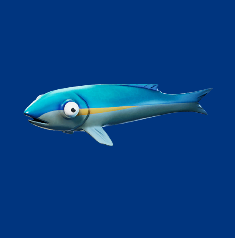 |
Small Fry | Restores damaged health by 25 points. This item can heal up to 75 points of health. Players carry up to six of this item in a stack. |
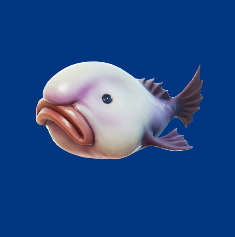 |
Stink Fish | Restored damaged health by 20 points when consumed. This item can also be thrown toward enemies to release a cloud of gas that damages health. Players can carry up to six of this item in a stack. 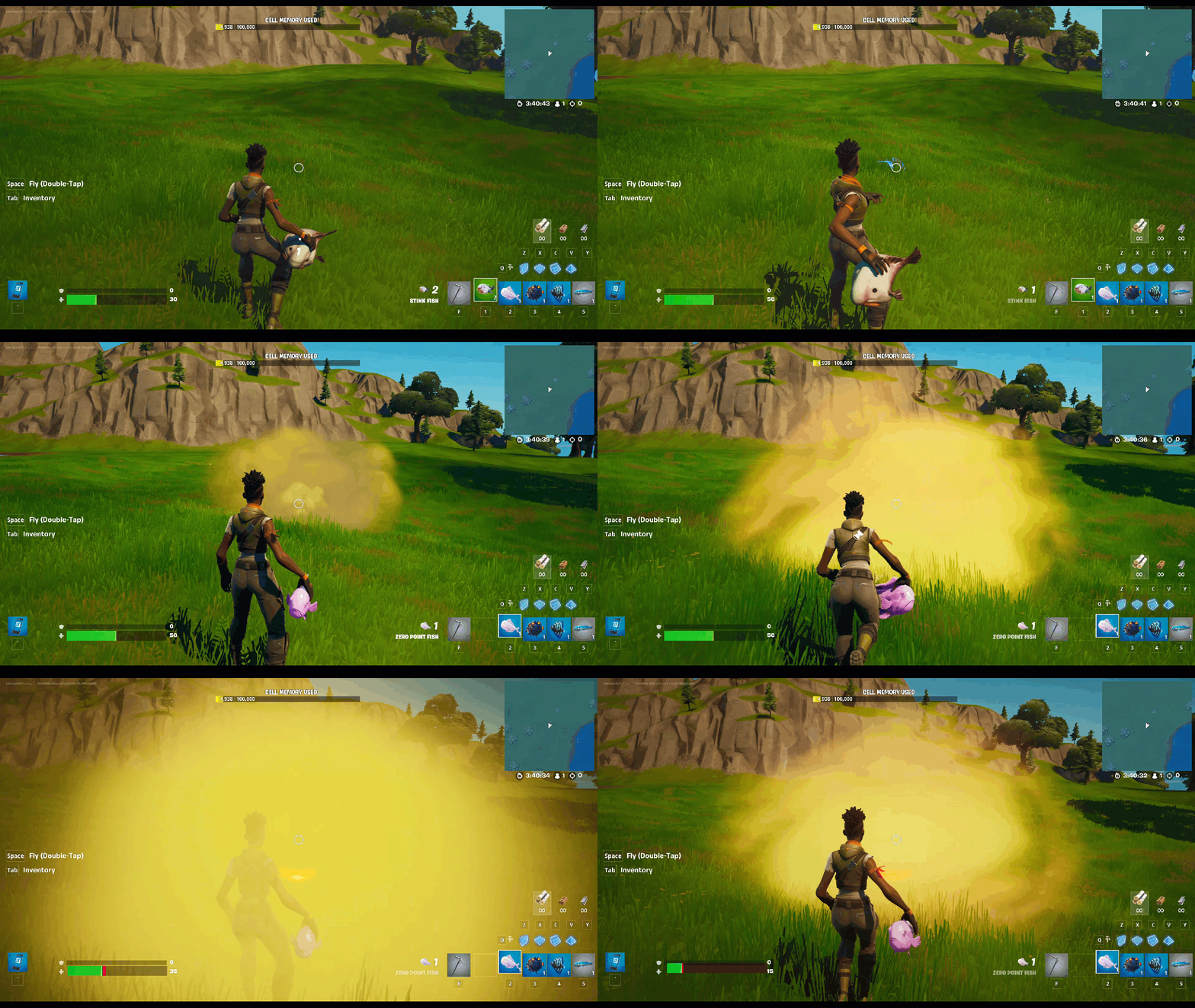 |
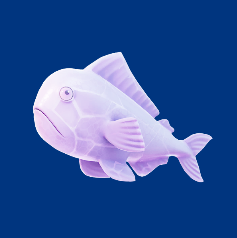 |
Zero Point Fish | Restores damaged health by 15 points. Players can carry up to three of this item in a stack. |
 |
Spicy Fish | Restores damaged health up to 15 points and grants a speed boost. Players can carry up to three of this item in a stack. 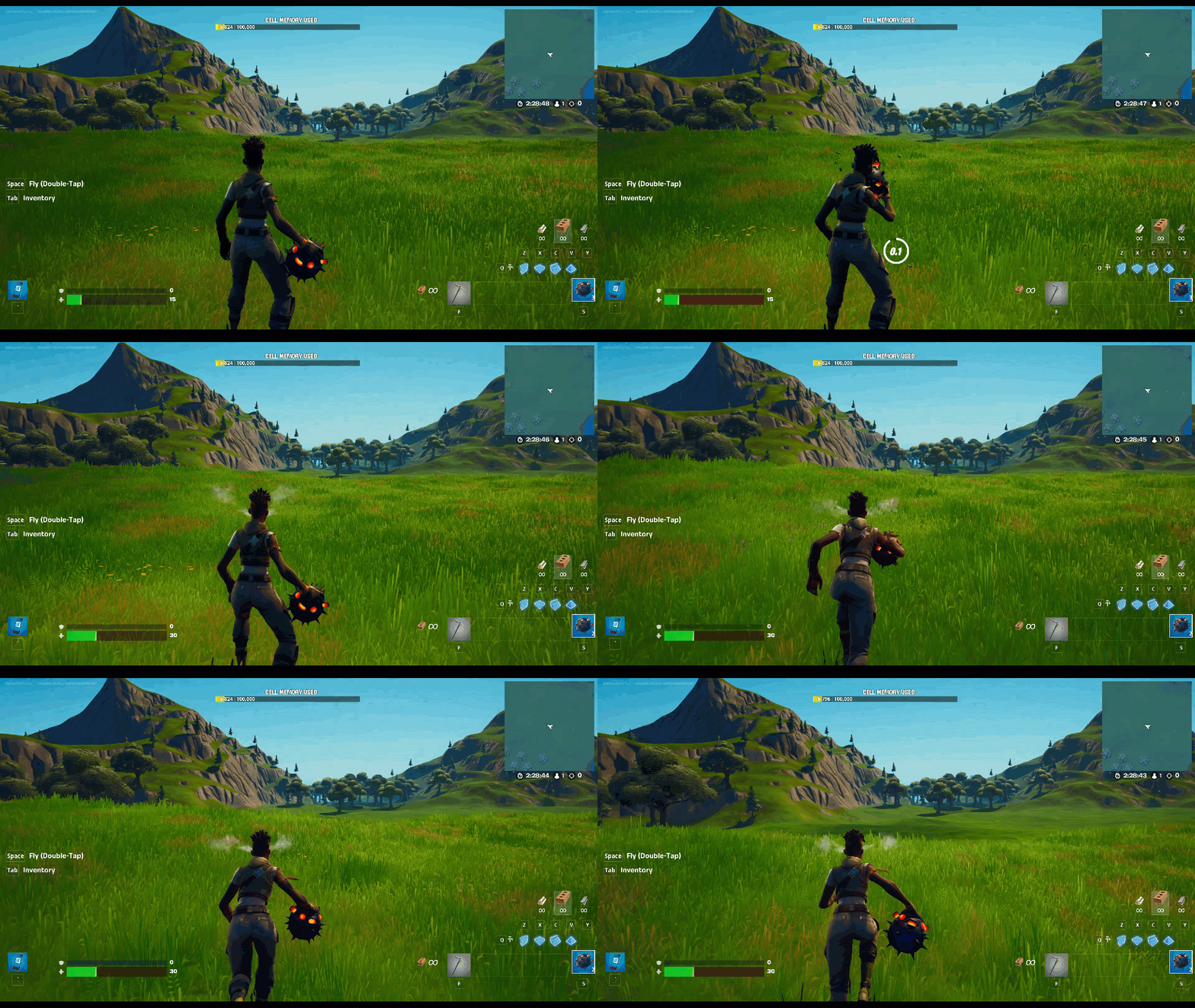 |
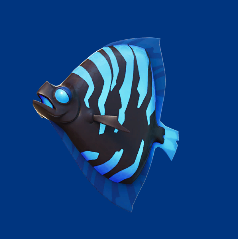 |
Shield Fish | Restores damaged shield by 50 points. Players can carry up to three of this item in a stack. |
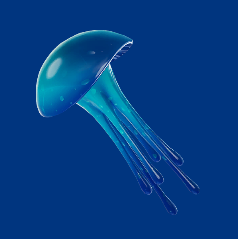 |
Jellyfish | Consume for an explosion that grants 20 points of health to all players within its blast radius. Players can carry up to three of this item in a stack. |
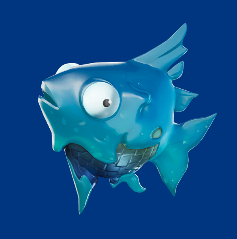 |
Slurpfish | Restores damaged health by 40 points. If health is full, any remaining points will go toward shield. Players carry up to three of this item in a stack. |
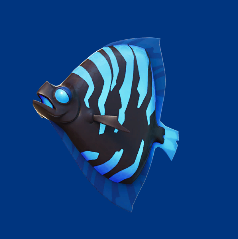 |
Rift Fish | Restores damaged health by 15 points. Consuming this item also creates a rift that can be used by anyone before it closes. Players can carry up to two of this item in a stack. 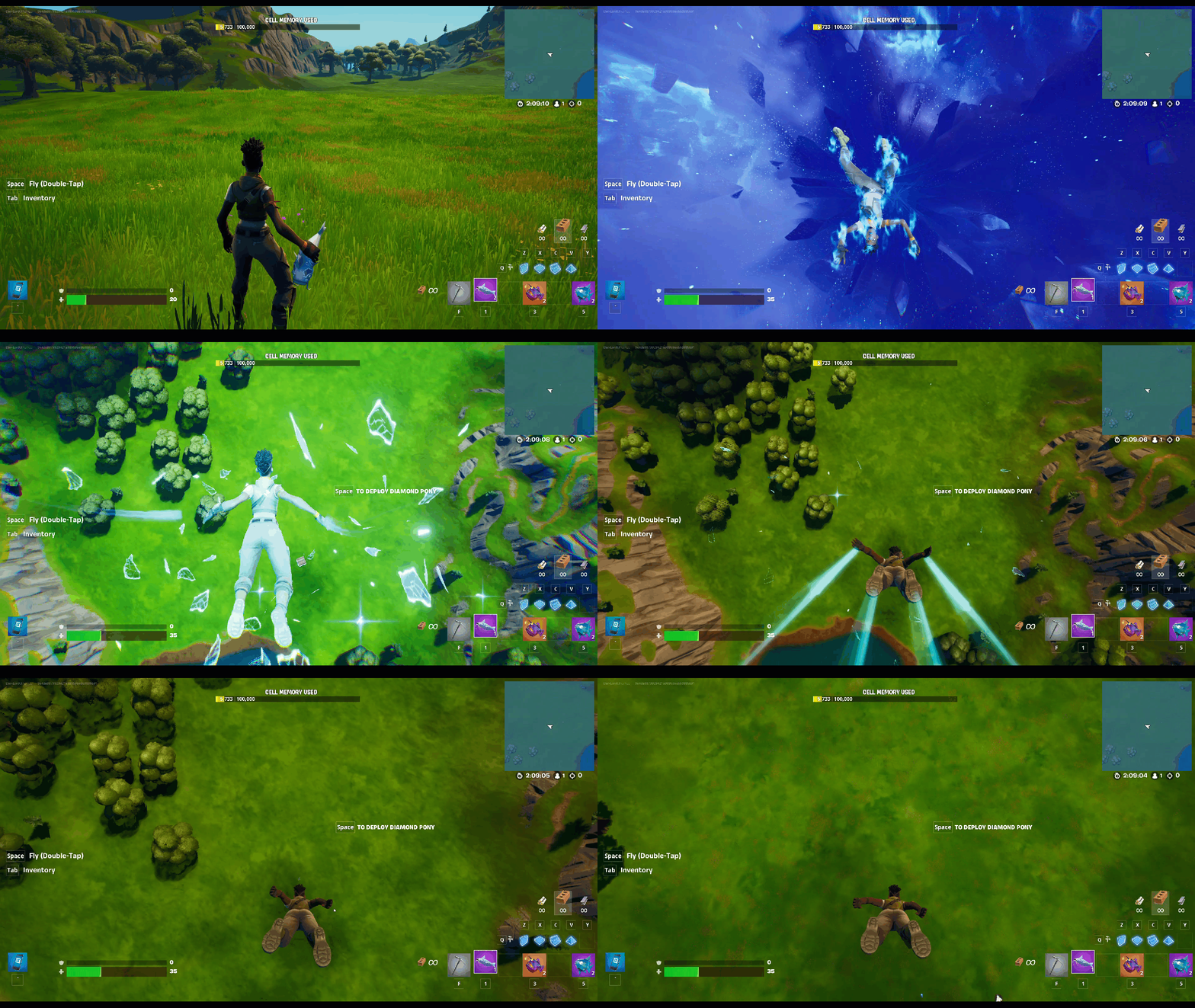 |
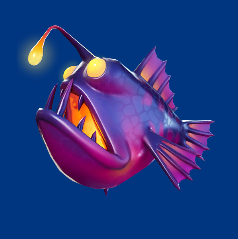 |
Thermal Fish | Restores damaged shield by 15 points. Consuming this item also grants a 60-second thermal vision where players are highlighted in white. Players can carry up to two of this item in a stack. |
Registering Items
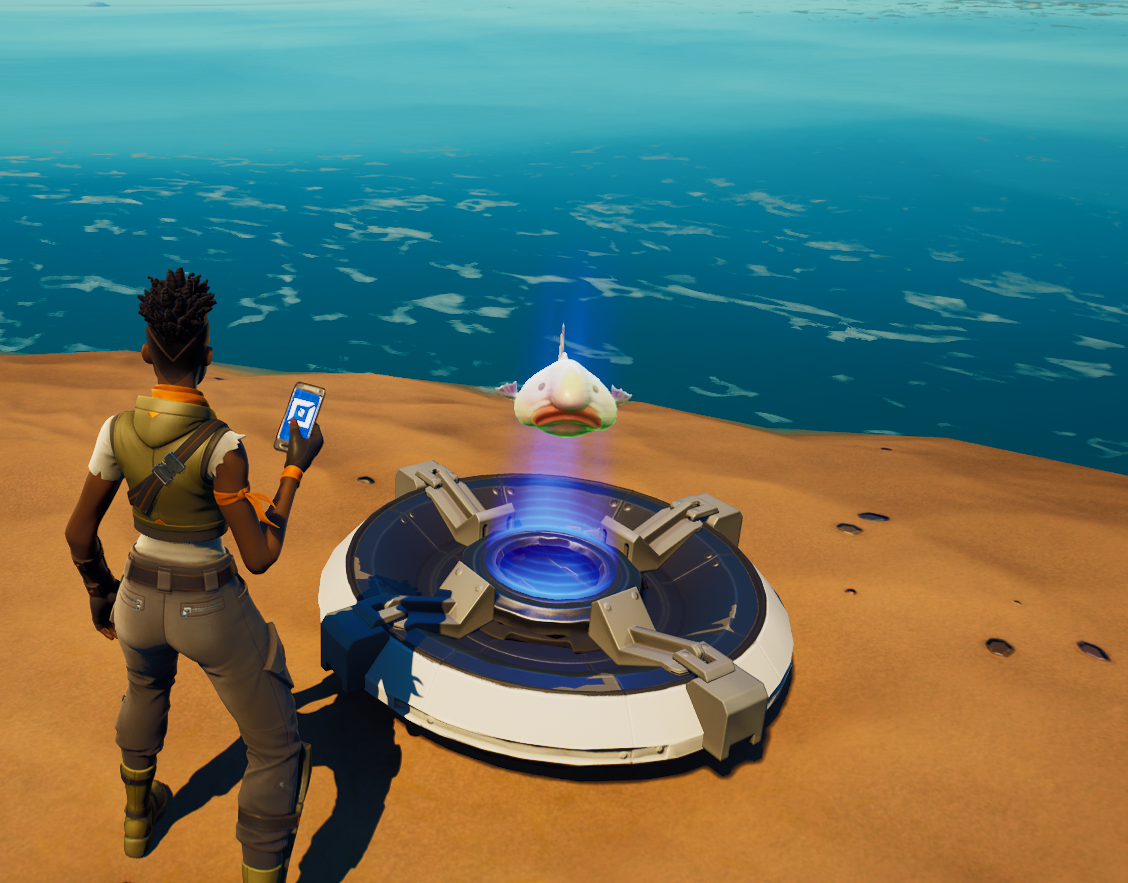
You can drop items directly onto devices that can either hold or grant items. You must register these items to save in the device's memory.
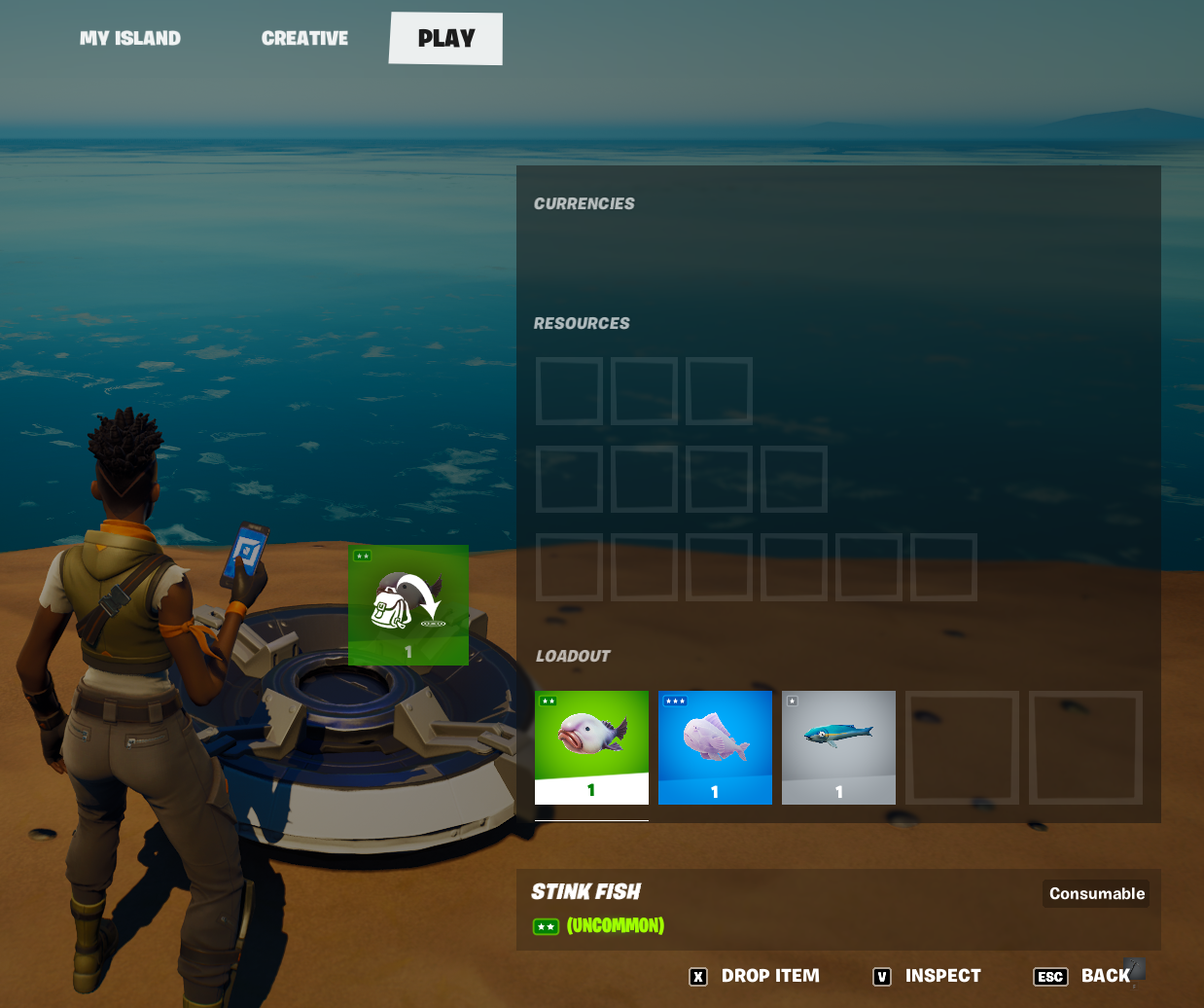
To register items to a device, stand directly on or immediately beside the device.
To register an item for this kind of device, follow these steps. You can also watch a video tutorial that shows you how to register items, both crafting and usable.
-
In the CREATIVE inventory, find the equipment and items you want to register with a device and equip them.
-
In Create mode, stand directly beside the device that will register the item.
-
Press the Tab key to open the PLAY inventory screen.
-
Click the item, then press either Z or X to split or drop the item. You can also drag the item to the side until a backpack icon appears.
The compatible device will automatically register the dropped item. Compatible devices that can hold items include:
-
Vending Machine
-
Team Settings & Inventory
-
Class Designer
-
Capture Item Spawner
-
Capture Area
-
Item Granter
-
Item Spawner
-
Conditional Button
-
Elimination Manager
-
Item Remover
Use these devices to set up your own system for granting and spawning items onto your island.
Using Items for Crafting
You can pair items with each other and with weapons to create the process of crafting, where players exchange items for another.
To do so, you can choose from the list of compatible devices above like the Conditional Button and Item Spawner to set up the crafting process.
For example, you can require Slurp Juice and Small Fry as items needed to craft Slurpfish.
Visit our video tutorials to learn more about working with items and for tips to enhance gameplay.